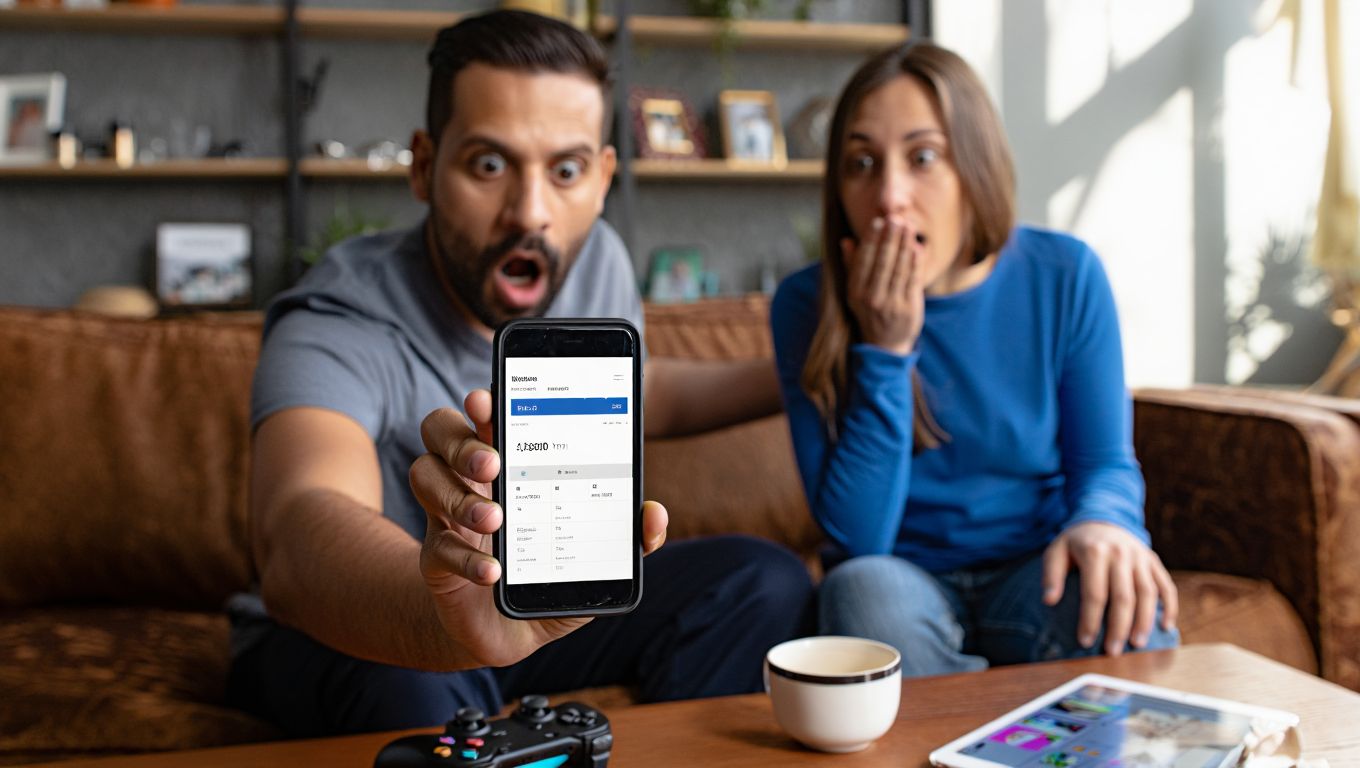
It started with a few innocent taps. By Monday morning, a Wellington couple checking their statements saw a cascade of charges: more than $8,000 spent inside a handful of mobile and console games—in just one weekend. Their child hadn’t stolen a card or hacked a device. They had simply played, clicked, and confirmed.
“We thought we’d turned purchases off,” the mother said. “I didn’t realize a single saved card could become a bottomless well.”
What actually happened
According to the family, the spending snafu unfolded across two games with bright visuals and relentless prompts to “upgrade” or “boost.” Weekend screen time stretched longer than usual while the parents hosted relatives. A saved payment method, plus a couple of permissive settings, did the rest.
“It didn’t feel like money,” the child reportedly told them. “It was just tapping the shiny button.”
That line sums up the challenge: in-game shops are designed to feel frictionless, nudging players from fun to funding in a heartbeat.
Why kids don’t see the cost
Developers don’t need bad intentions for this to go wrong. The interface math is simple: instant rewards feel great, and the cost is abstract. A $1.99 gem pack today, a $9.99 bundle tomorrow, and a $59.99 limited-time chest during a special event—each one feels small. Multiply that over hours and across titles, and you get a storm.
A digital well-being researcher put it this way: “Microtransactions divorce attention from money. The player tracks progress; the wallet pays the tab.”
The psychology of taps
- Variable rewards: Loot boxes and mystery packs exploit anticipation. Occasional big wins keep players chasing.
- Scarcity timers: “Offer ends in 1:59:59” can push impulse buys, especially when friends are progressing faster.
- Virtual currencies: Gems and coins camouflage price. If you don’t do the mental conversion, you’ll overspend.
The friction that usually protects us—like taking out a wallet—disappears when a device quietly approves a purchase.
How the big platforms compare
Not all ecosystems are equal. Some make it straightforward to require approval, others bury the toggles. Here’s a quick look at major platforms and the easiest controls to flip. Features may update, but these are the practical guardrails most families rely on:
| Platform | Quick lock setting | Purchase approval | Time limits | Refund path |
|---|---|---|---|---|
| Apple iOS | Screen Time > Content & Privacy | Ask to Buy for Family Sharing | App Limits; Downtime | Report a Problem (Apple website) |
| Google Play | Biometric/PIN for purchases | Family Group purchase approvals | Family Link daily limits | Google Play refund request |
| Nintendo | Parental Controls app | Disable eShop purchases per account | Play-time limits; bedtime alarm | Nintendo Support ticket |
| PlayStation | Family Management > Spending limits | Require password for checkout | Playtime controls by user | PlayStation Support chat |
| Xbox | Family Settings app | Ask a parent before buying | Screen time schedules | Microsoft account refund form |
Pro tip: On shared family tablets, consider a dedicated child profile with no payment method at all.
The money mess: can you get it back?
Refunds are possible—sometimes. If purchases were accidental and the items are unused, platforms may work with you. But there’s no guarantee, and timelines vary. One Wellington payments advisor summarized it bluntly: “Act fast. The longer you wait, the harder it gets.”
What to gather:
- Timestamped transaction list
- Device and account IDs
- Evidence of child access (e.g., profile settings)
Avoid rage. Support agents are human and rules are strict; a calm, clear timeline helps.
Lock down your devices today
Here’s a quick, practical sequence that closes the most common gaps in under 15 minutes per device:
- Remove saved cards from child profiles; keep payments only on a guarded adult account.
- Turn on purchase approvals/biometric confirmation for every buy, including in-game.
- Set a daily screen-time window and hard stop, so spending can’t spiral late at night.
- Disable one-tap re-authentication; require the password every single time.
- Block new app installs on child accounts without a parent code.
- Switch to gift cards with small balances instead of a credit card, if spending is allowed at all.
“We assumed the defaults were safe,” the father said. “Now, nothing goes through unless we say yes.”
Red flags inside popular games
Watch for these warning signs:
- “Best value” bundles with flashy effects
- Currencies sold in odd amounts (e.g., 1,200 gems) that nudge leftover balance usage
- Time-limited offers and “everyone’s buying this” social prompts
- Confusing or tiny price labels at the purchase screen
If you spot these, pause. Ask what the purchase unlocks, how long it lasts, and why now.
Building a healthier play loop
Young players aren’t trying to trick parents; they’re exploring a system tuned to maximize engagement. A few household norms can defuse pressure:
- Talk openly about “game money” vs. real money
- Agree on a monthly entertainment budget
- Celebrate progress-based wins, not just paid boosts
- Keep one screen in a shared space for visibility
As for the Wellington family, they’ve reconfigured every device and are working through refund requests. It’s an expensive lesson, but a clarifying one. Games can be joyful. Purchases can be safe. That requires flipping defaults, staying present, and remembering that behind every glittering gem and limited-time chest is the same thing: your card.
